
The world's first open-source agentic TV OS
Your phone is the remote. Home has what you were watching.
And when an app is missing, you ask for it and your TV makes it.
TV boxes are easy until you want something they don't do. Then you wait for an app that may never come. OrigaiTV turns a small PC into the box under your TV, and when an app is missing, you ask for it and your TV makes it.
It's as easy as the box you have. Your phone is the remote, home has what you were watching, and everyone in the house gets a profile, children too. Pick how home looks, how big things are, the colours and the background.
It's built on Omarchy, so under the couch-friendly part there's a whole Linux desktop, one shortcut away. And it's open source, all of it.
Real screens from a made-up household.
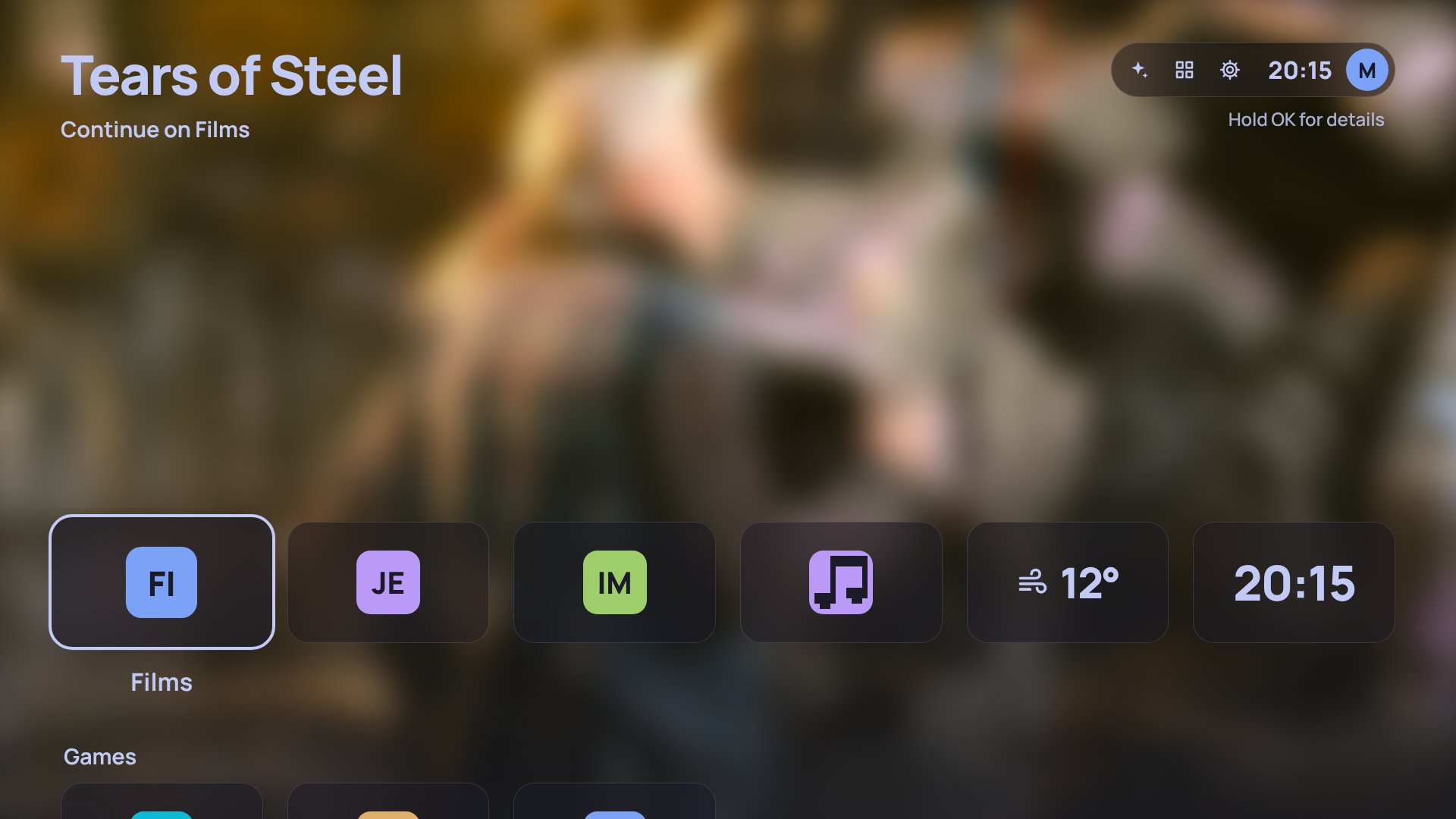
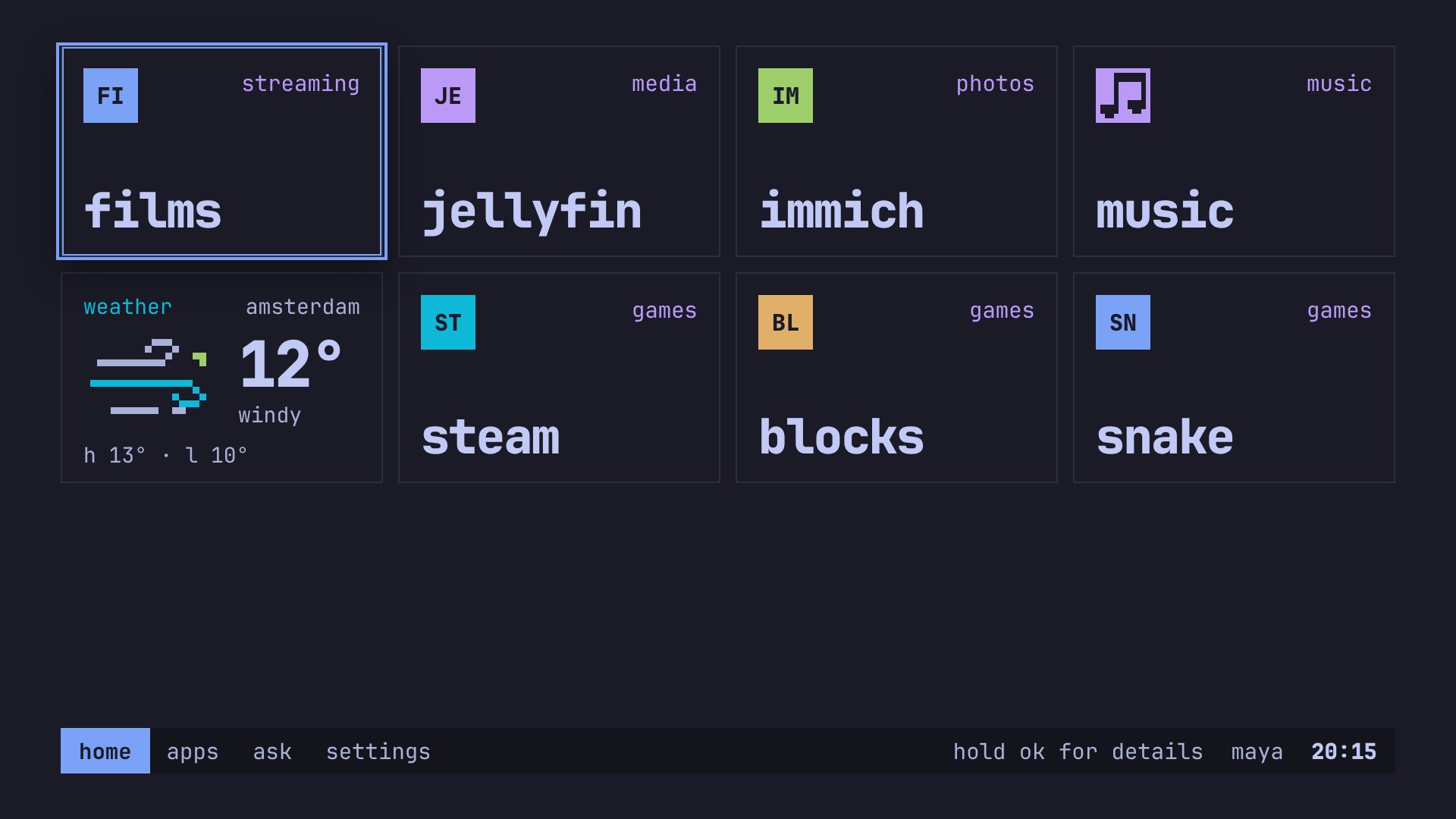
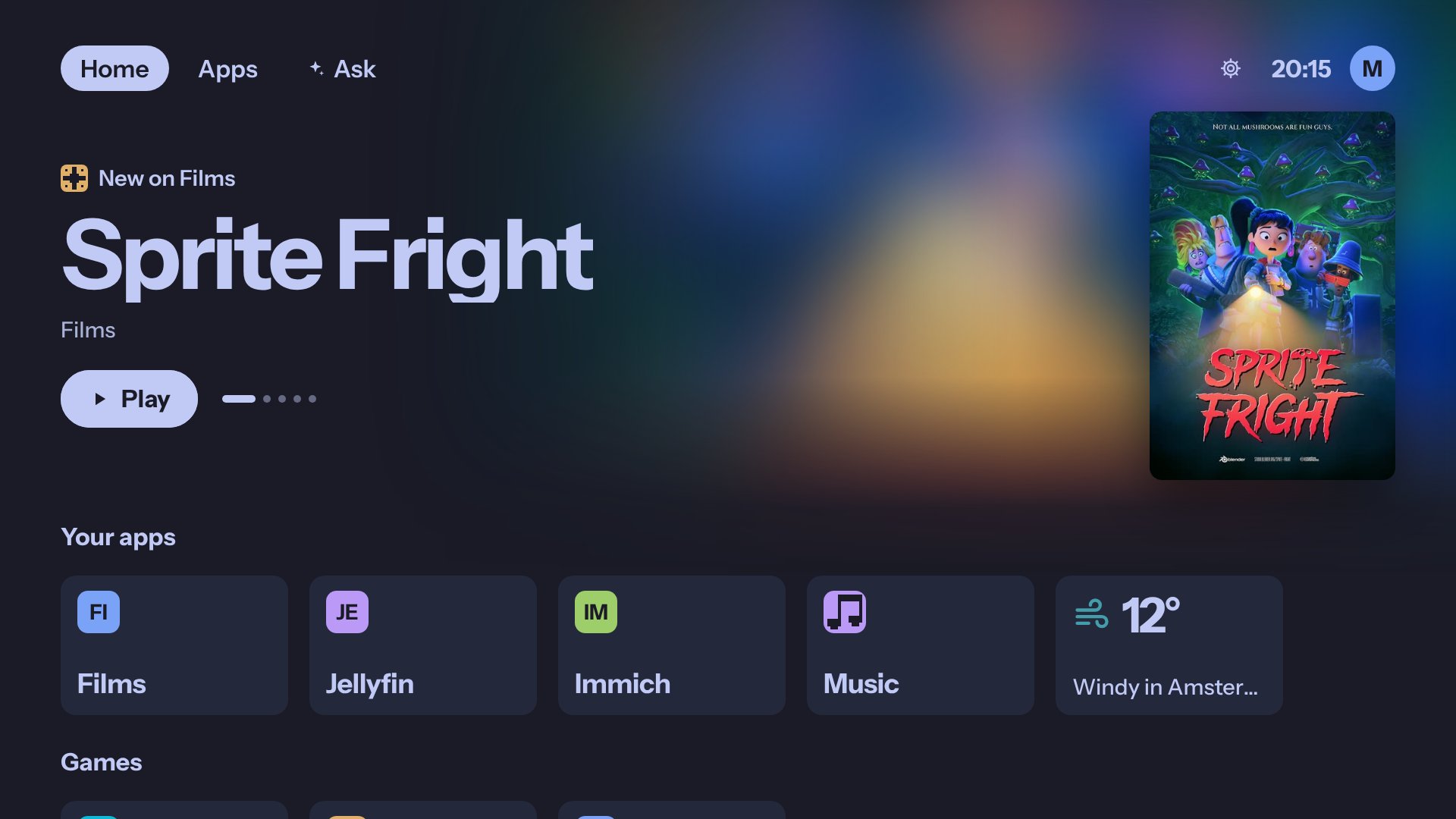
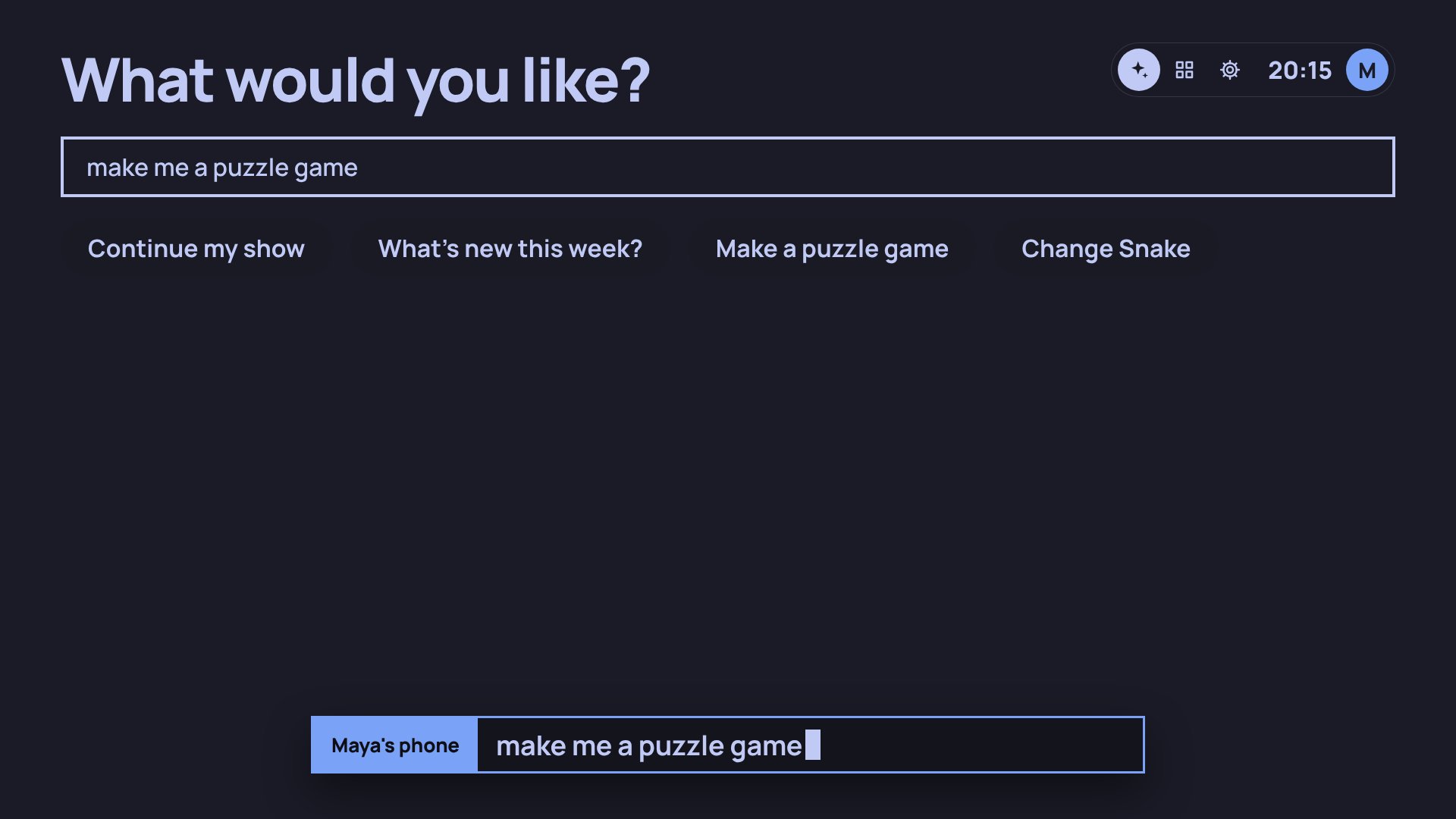
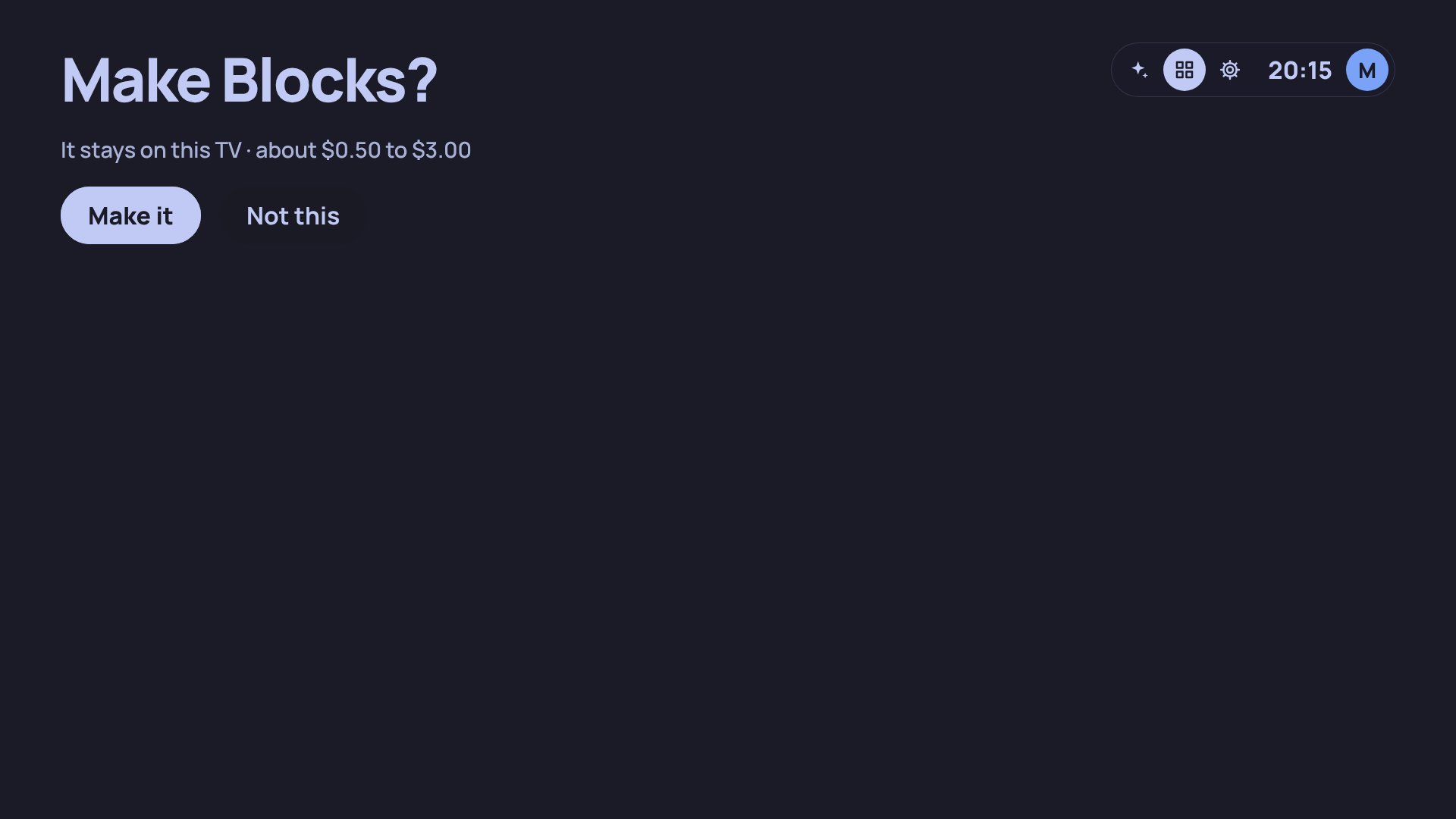
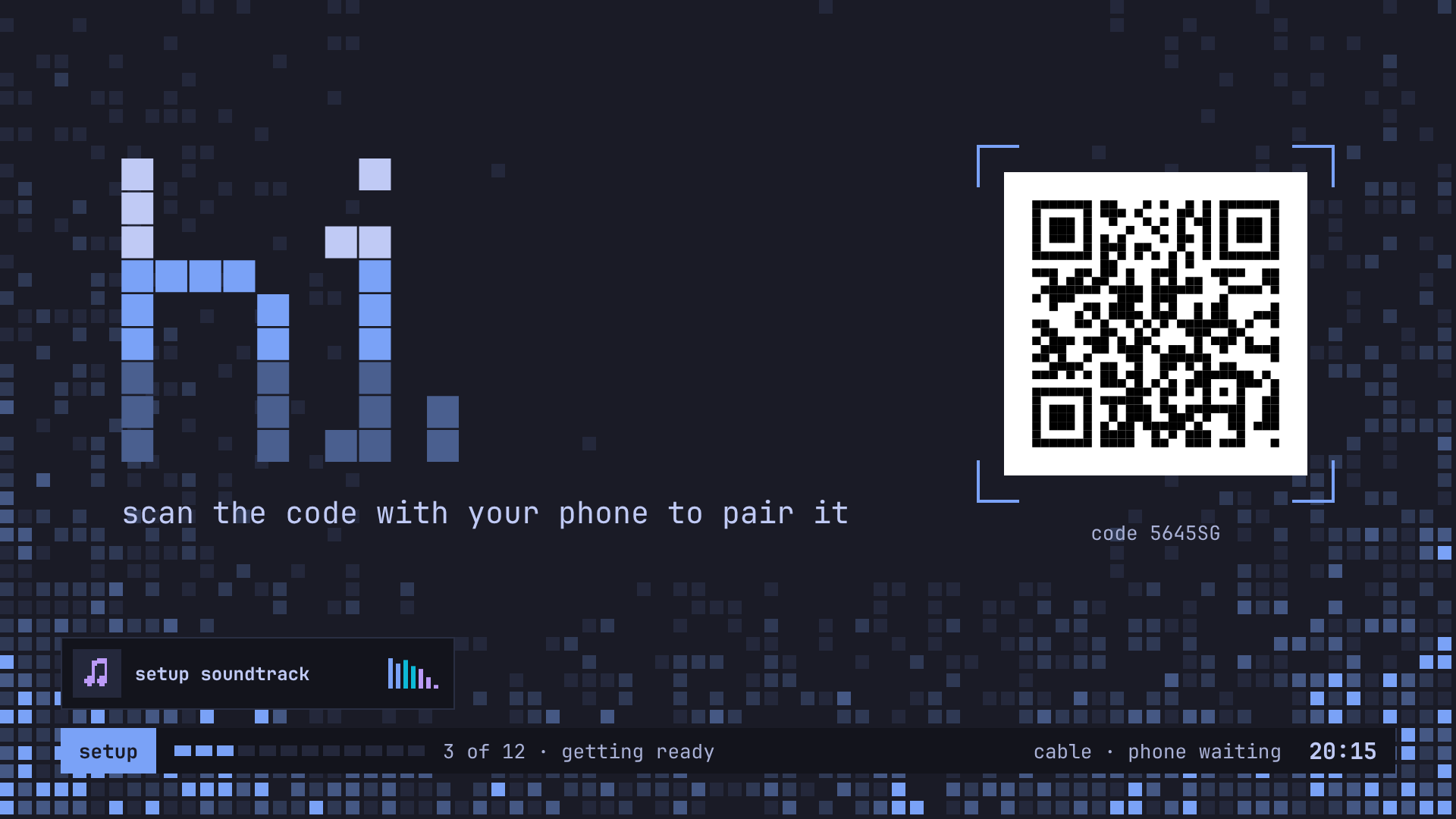
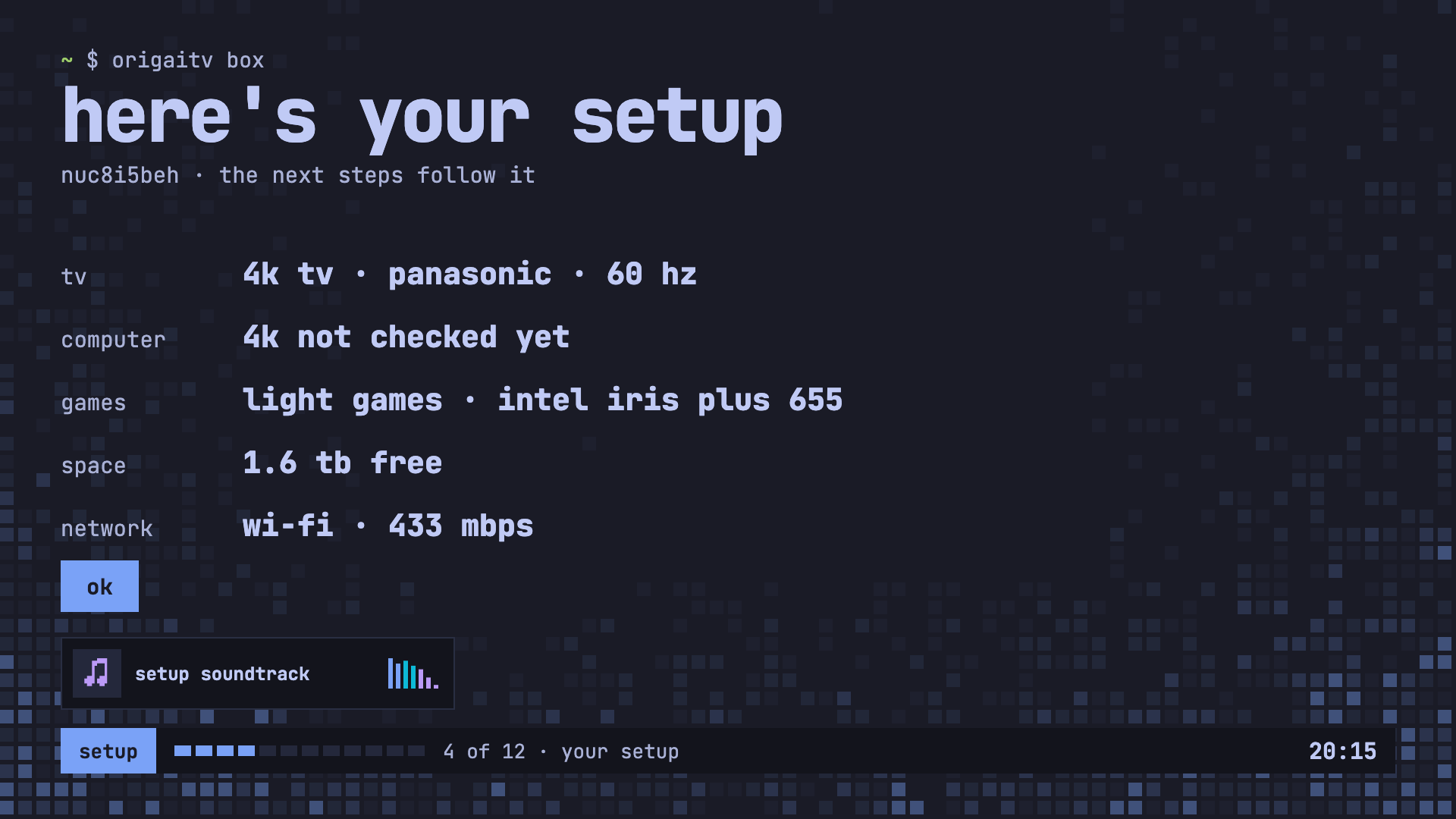
From a USB stick to home in about ten minutes. You'll need an x86_64 PC with HDMI, a USB stick of 8 GB or more, your phone, and a keyboard just long enough to start the box from the stick.
- Download the ISO from the newest release. Until 1.0 that's a release candidate, about 6.7 GB. Four commands check it's mine.
- Write it to the stick, with balenaEtcher or caligula.
- Start the box from the stick, with Secure Boot off.
- The TV shows a code. Scan it, pick the disk, and tap Erase and install.
- The box restarts by itself, and your phone carries on with setup.
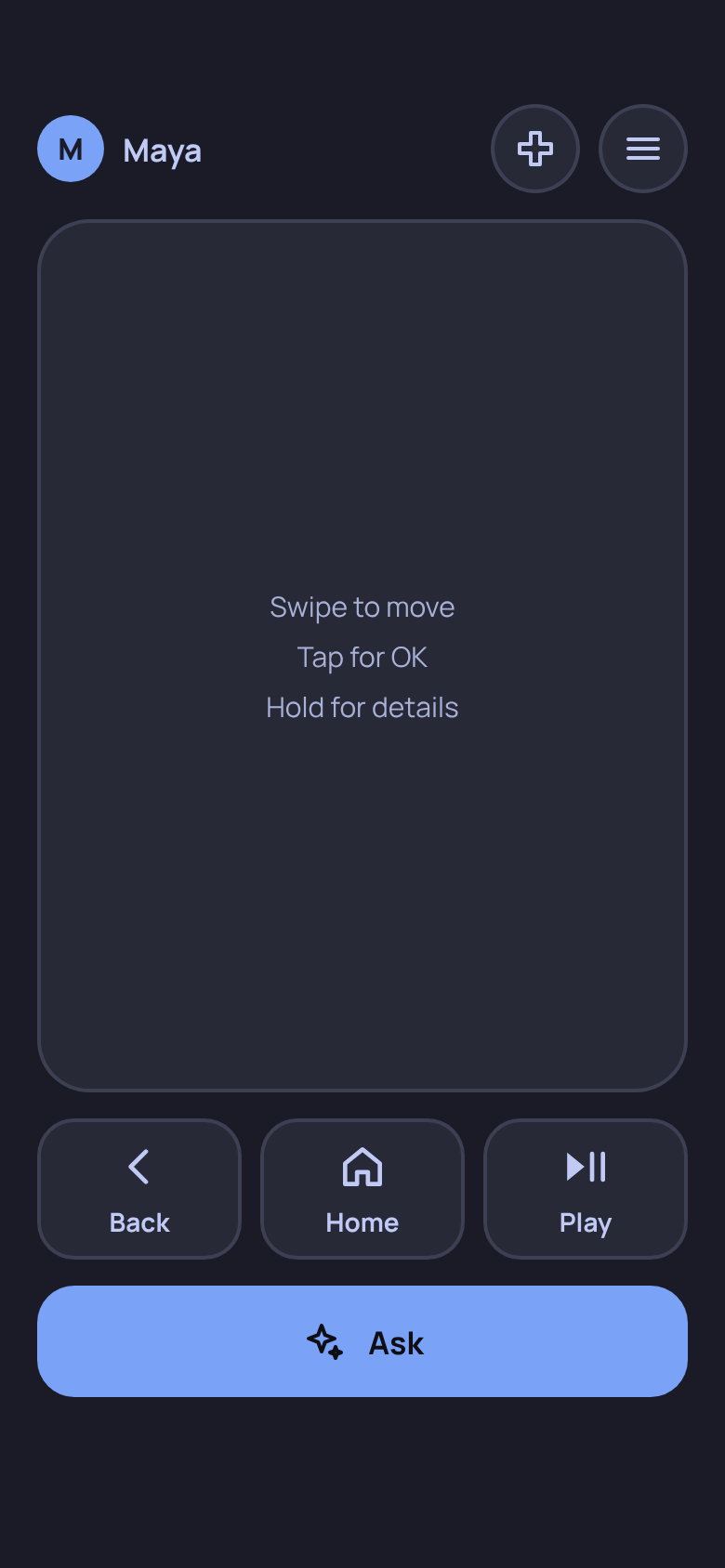
- Your phone is the remote. Scan the code on the TV and that's it, with no app to install. Swipe to move, tap for OK.
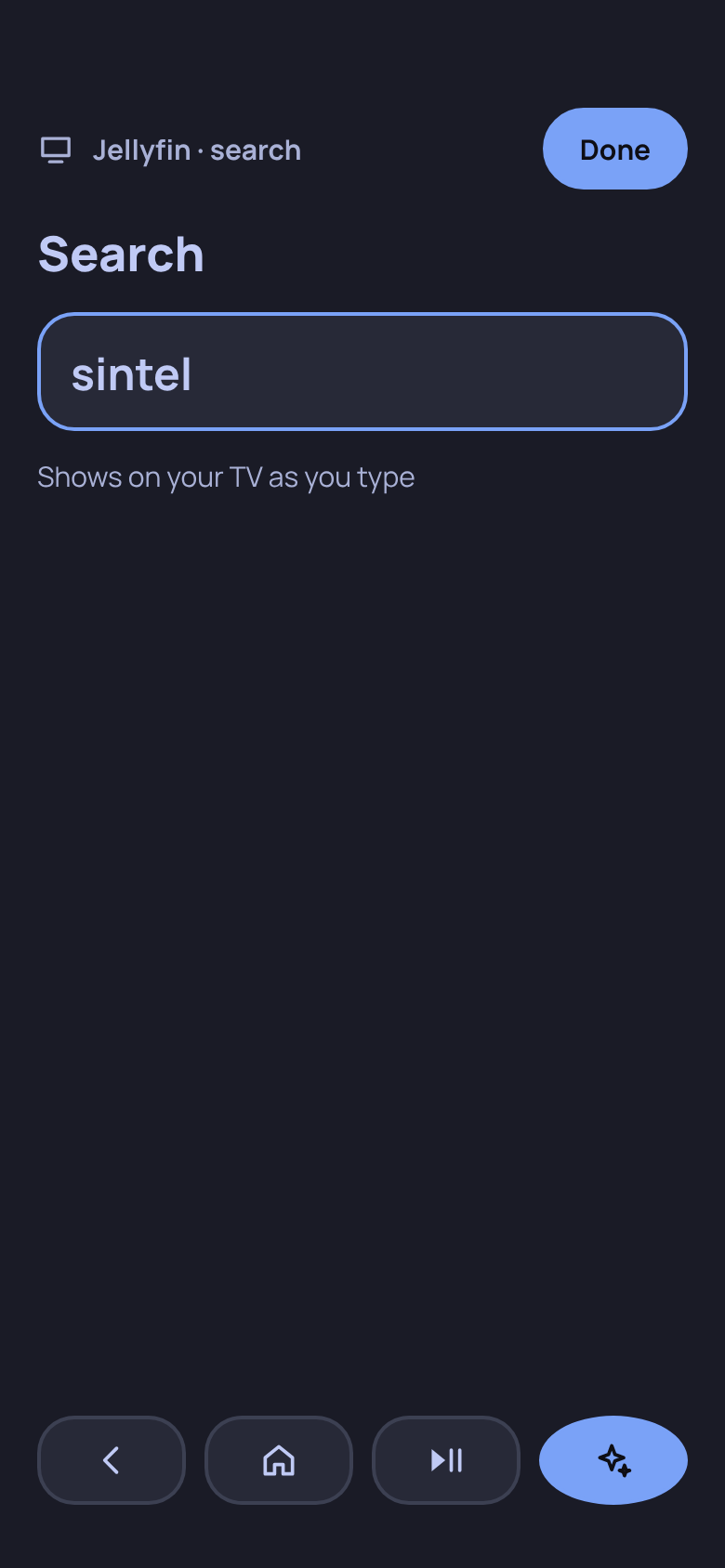
- Type on your phone, see it on the TV. The keyboard comes up by itself, and the TV shows each letter as you type.
- Just ask. “Continue my show.” “What's new this week?” The answer shows on the TV.
- A profile for everyone. An adult picks which apps each child sees, and a PIN guards the grown-up things.
- Settings from the couch. Wi-Fi, sound, controllers and updates, with your phone typing the passwords.
Can't find an app? Ask for it: a puzzle game, a better weather page, a slideshow of your photos. Your TV makes it while you keep watching, then puts it on home.
Anything you made has Change it, so you say what you'd like different. What you make stays on your TV unless you save a copy.
It needs an AI you already pay for: sign in with your Claude, ChatGPT or Grok plan, or add an API key. Everything else works without one.
Three looks for home, every Omarchy theme, and three sizes so it reads well from your couch.
- TerminalTiles like windows, in a mono font.
- GlassFrosted tiles over a big picture.
- CinemaSomething to watch up top, then rows.
- Six streaming appsThree now and three coming soon. You sign in from your phone, on the service's own page. See the list.
- Your own serversJellyfin, Plex and Immich show up in a list, found on your network, with no address to type.
- Steam, full screenBig Picture for the games you own. Go back to home and your game keeps running.
- ControllersPair a Bluetooth controller in Settings, and hold its guide button to get home.
- MusicFrom your own files: on the box, a USB drive or a network folder.
- Send to the TVA link, a photo or a video, from your phone.
- Streaming won't be 4K. The apps play in a browser on Linux, and the services hold that to somewhere between SD and 1080p.
- It has no voice of its own. Answers show on the TV.
- I've tested it on one box, mine. It should run on other x86_64 PCs, and I'd love to hear how it goes on yours.
- Installing erases the disk you pick.
Everything that runs on your TV is on GitHub. Read it, change it, build it yourself.